Opervo.

Opervo tutorials

Learn Opervo in eight short videos

Each video is about a minute long and shows the real app on a phone, with captions, so you can watch without sound. Start with the first one, or jump to the part of your day you want to set up.

Watch the full playlist or visit our YouTube channel.

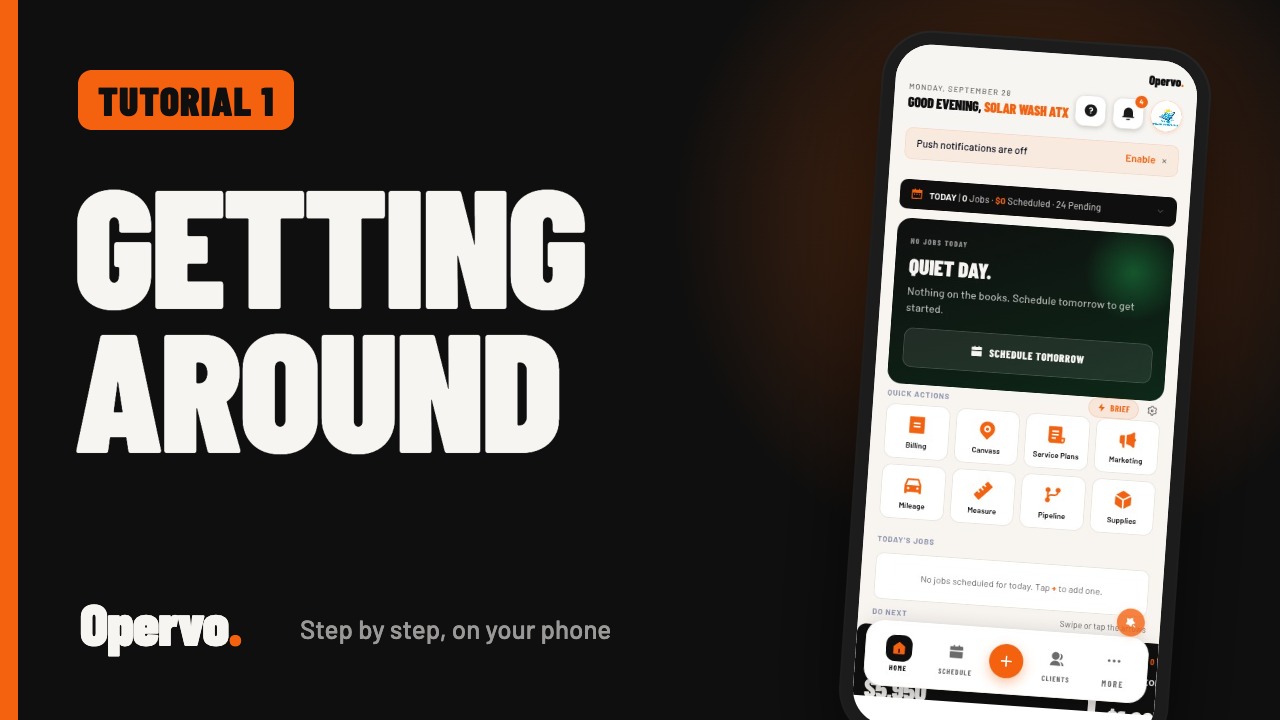
Getting around Opervo video thumbnail1:19
Tutorial 1Getting around OpervoHow do I find my way around the Opervo app?
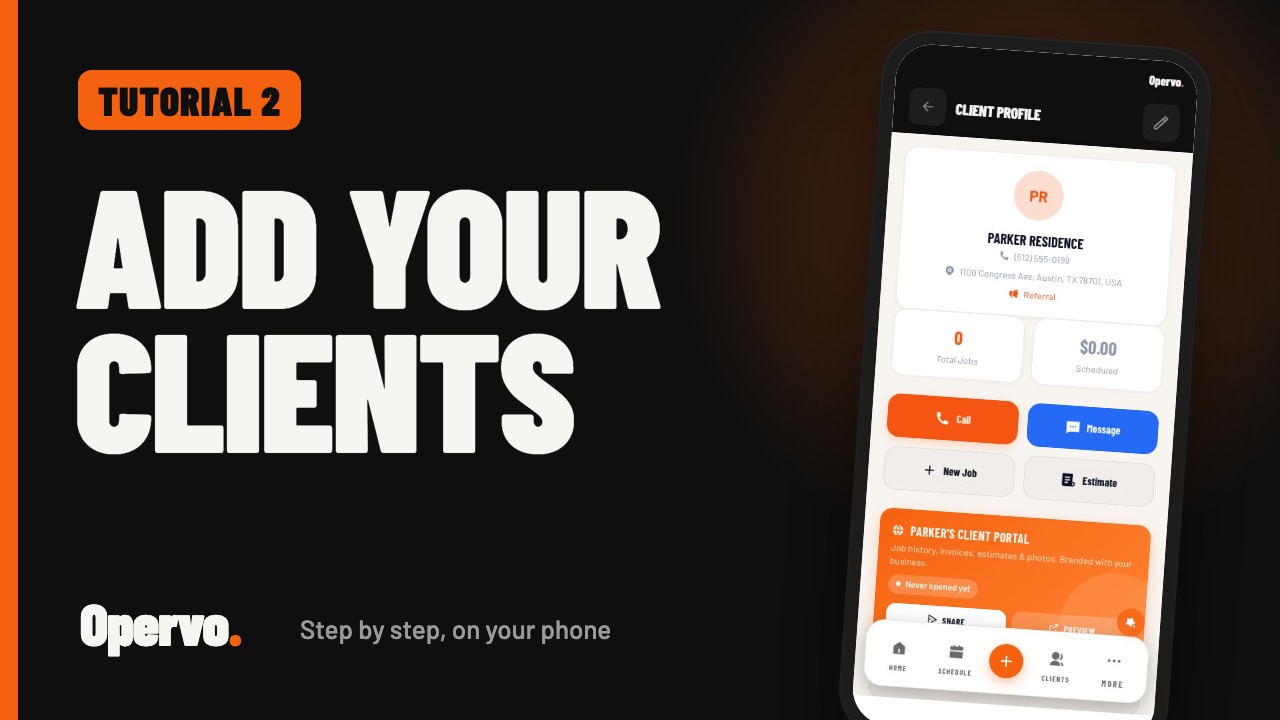
Adding your clients video thumbnail0:53
Tutorial 2Adding your clientsHow do I add a client in Opervo?
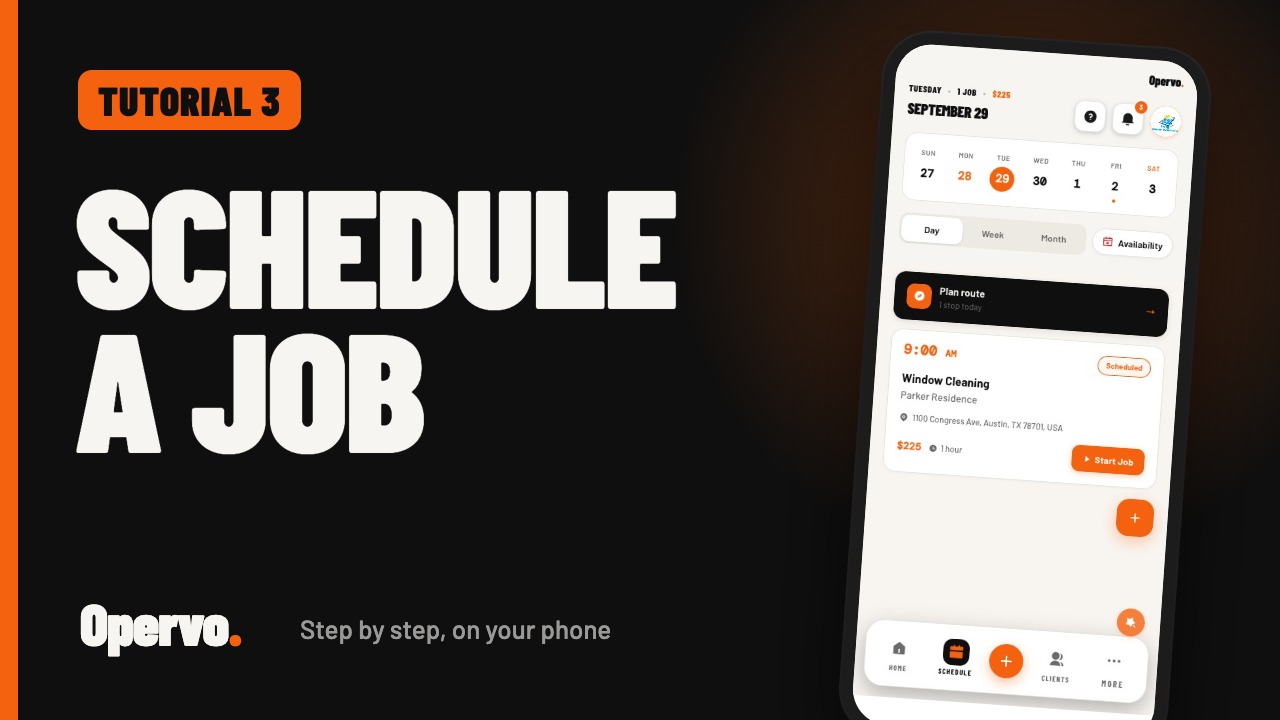
Creating and scheduling a job video thumbnail0:59
Tutorial 3Creating and scheduling a jobHow do I schedule a job in Opervo?
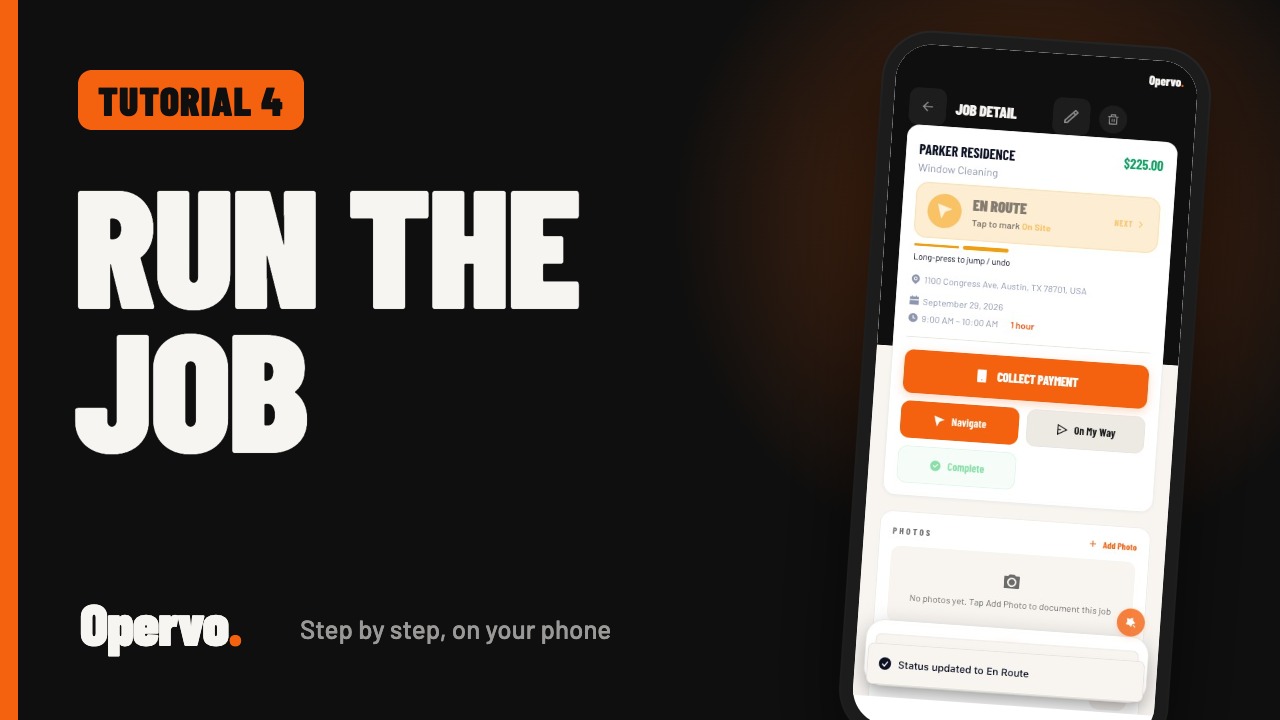
Running a job on the day video thumbnail1:01
Tutorial 4Running a job on the dayHow do I update a job while I am working in Opervo?
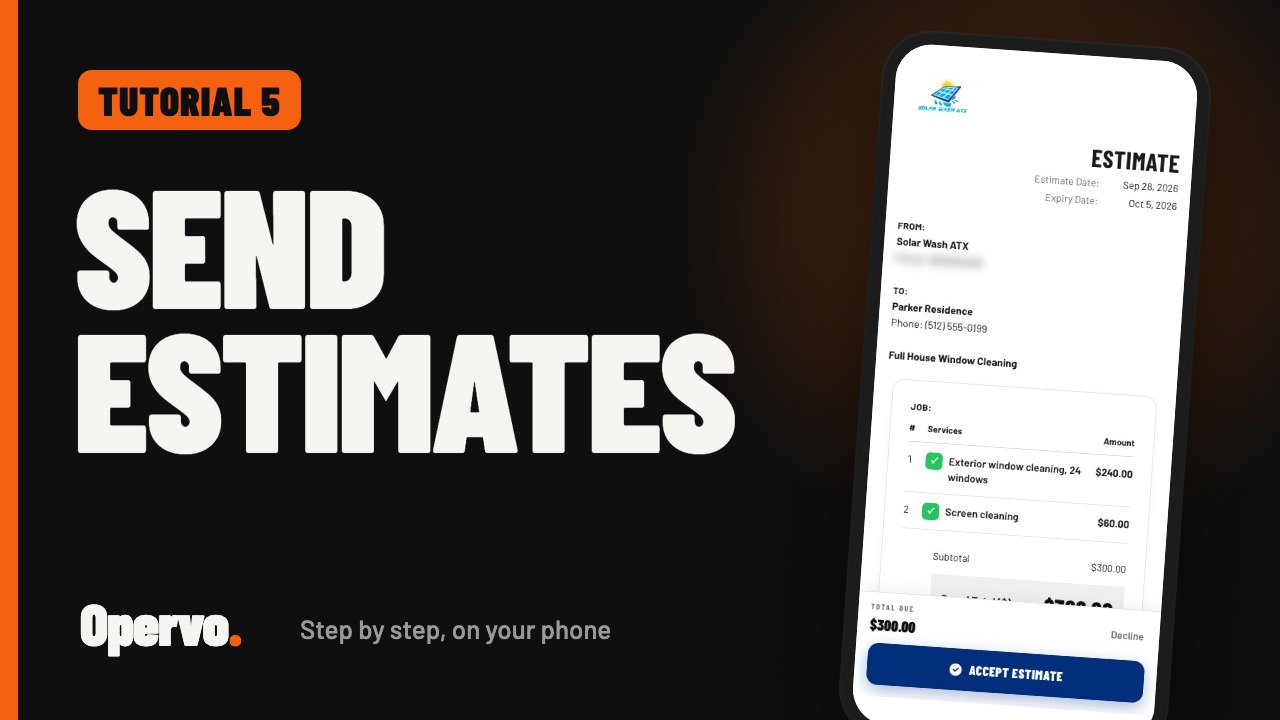
Estimates video thumbnail1:13
Tutorial 5EstimatesHow do I send an estimate in Opervo?
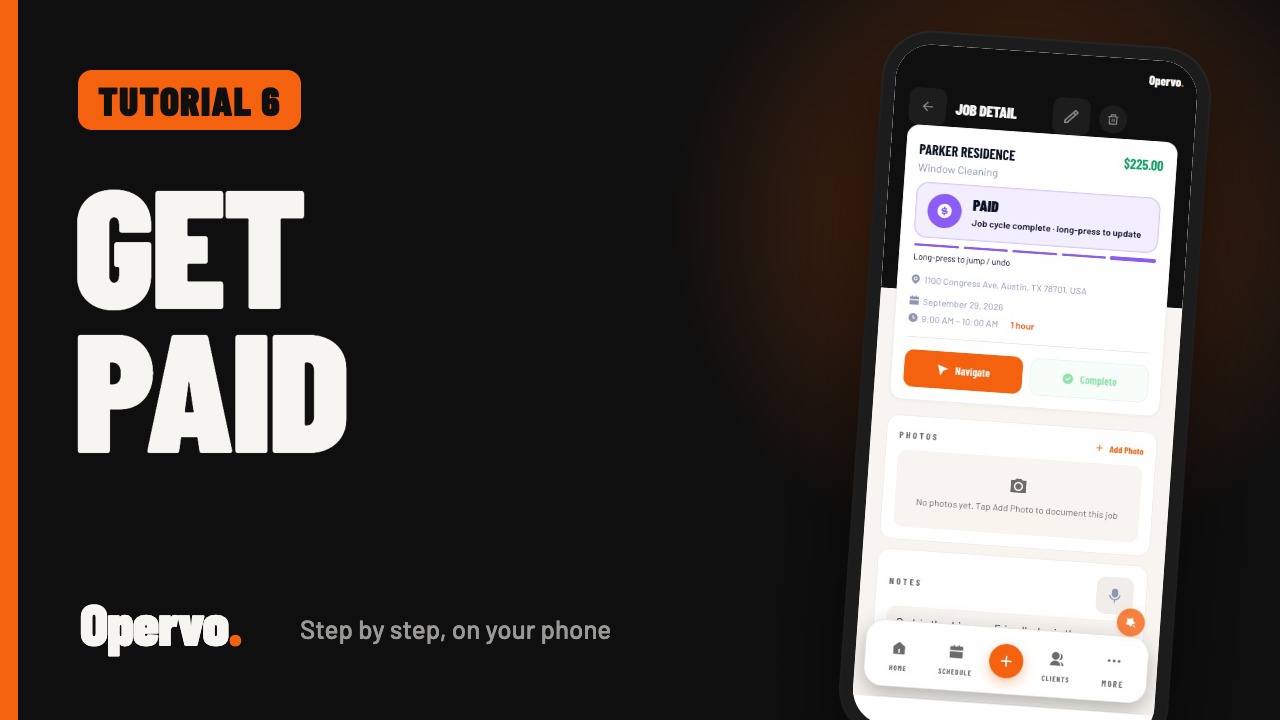
Invoices and getting paid video thumbnail0:59
Tutorial 6Invoices and getting paidHow do I invoice a job and record a payment in Opervo?
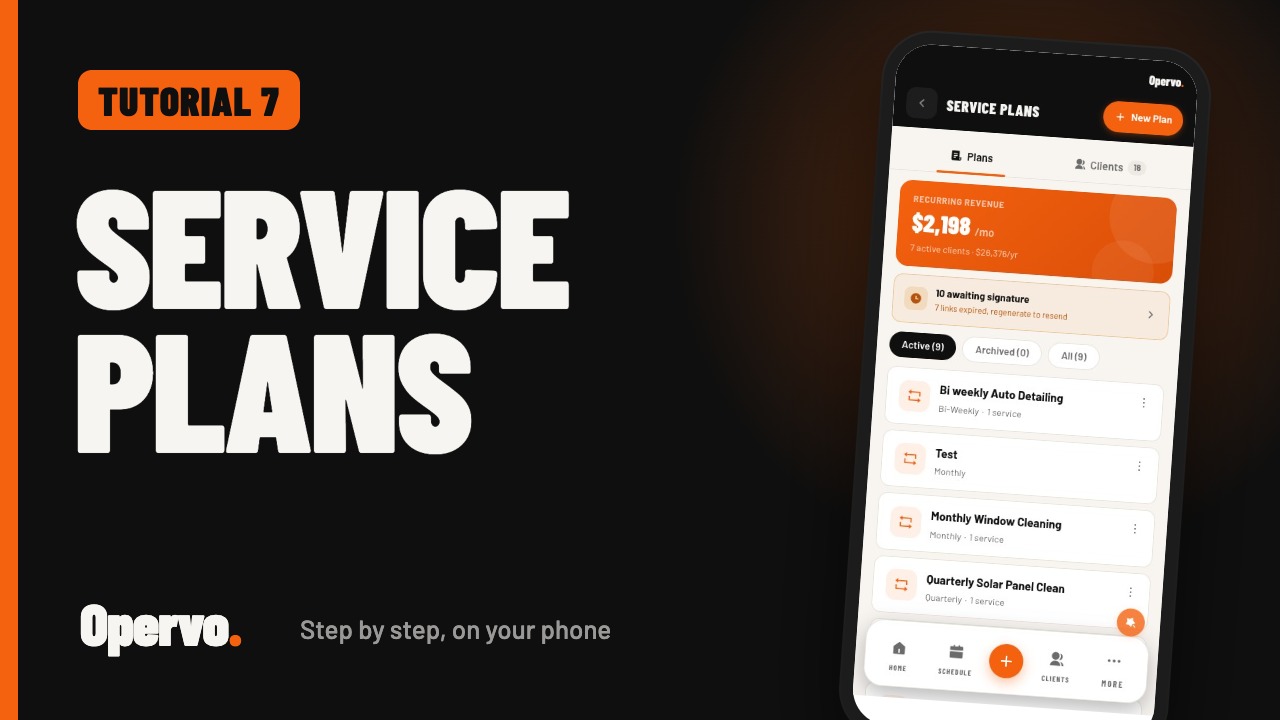
Service plans video thumbnail0:43
Tutorial 7Service plansHow do I set up recurring service plans in Opervo?
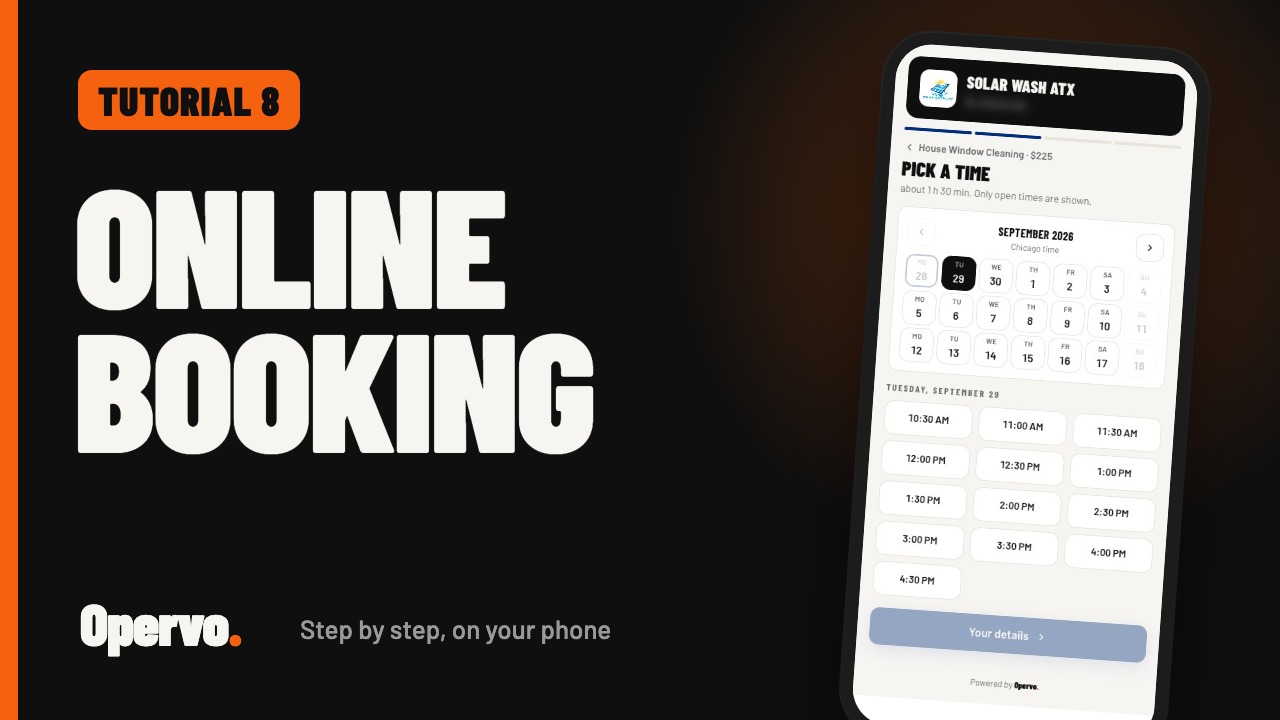
Online booking video thumbnail1:09
Tutorial 8Online bookingHow do customers book a time with me online in Opervo?

Prefer to read?

Every tutorial page lists the steps in writing under the video. For a complete written walkthrough, see the Opervo User Guide, or email help@opervo.io and we will help you set it up.